
Best Bookkeeping Setup for MTD
Making Tax Digital
Published: 1/12/2026
Making Tax Digital for Income Tax (MTD ITSA) is rolling out from 6 April 2026 for many sole traders and landlords. The easiest way to stay compliant (and avoid quarterly panic) is to set up your bookkeeping so your figures flow cleanly into the quarterly update categories. This guide shows a practical chart of accounts template and a repeatable quarterly update workflow.
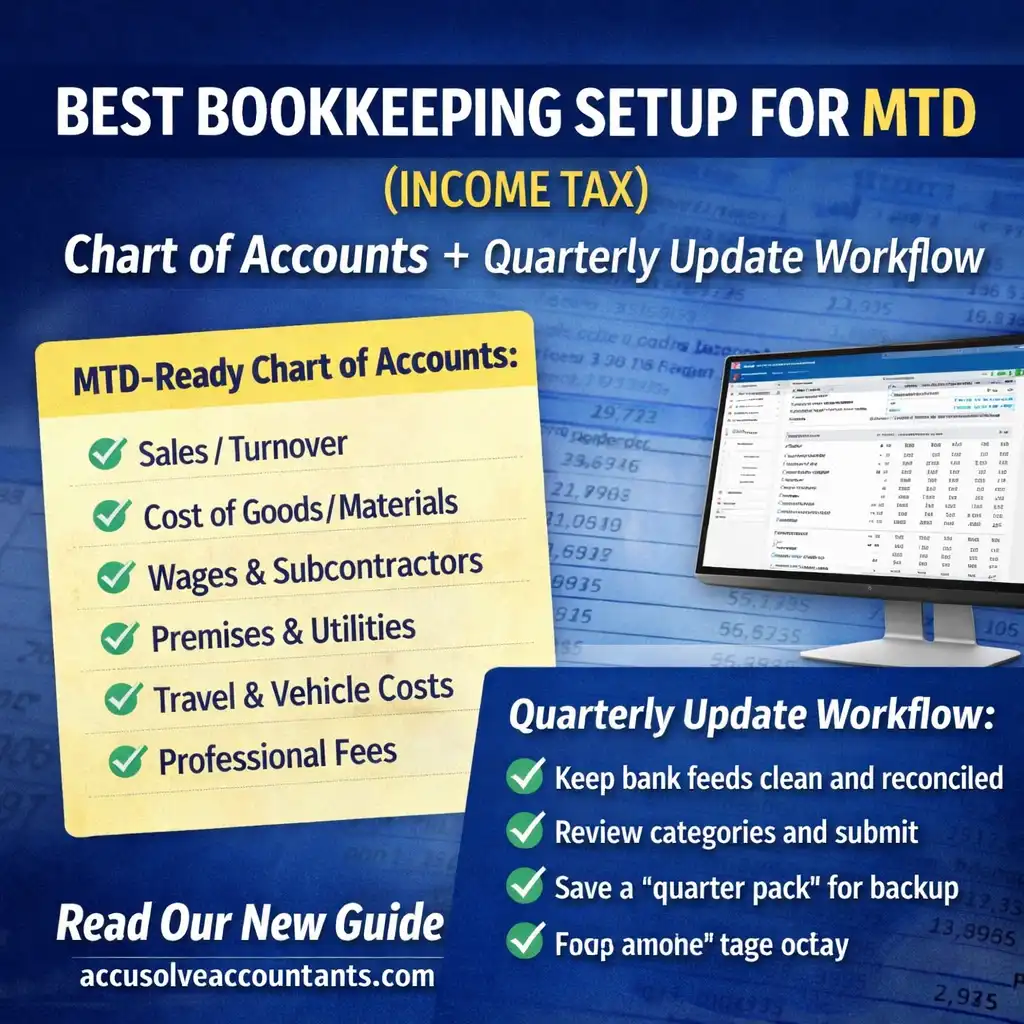
Under MTD ITSA you will keep digital records in compatible software and send quarterly updates to HMRC. Your quarterly update is driven by your bookkeeping categories — which is why your chart of accounts matters. If you map your income and expenses to the right headings from day one, quarterly updates become a routine “review and submit” process.
Best practice: Keep the chart of accounts simple, mirror the categories used in MTD updates, and use tracking
(projects / cost centres / property tags) for detail — not hundreds of extra accounts.
MTD ITSA rollout: who is affected and when?
HMRC is rolling MTD for Income Tax out in phases based on your qualifying income (self-employment and/or property income). If your income is over £50,000 for the 2024–25 tax year, you generally start from 6 April 2026. Later phases bring in lower thresholds.
| Qualifying income test year | Threshold | When you start using MTD ITSA software |
|---|---|---|
| 2024–25 | Over £50,000 | From 6 April 2026 |
| 2025–26 | Over £30,000 | From 6 April 2027 |
| 2026–27 | Over £20,000 | Planned (subject to legislation) |
Want help setting up quickly? See our bookkeeping services and accounting software setup. If you still file the annual return today, our Self Assessment Tax Return service can help you stay on track.
Quarterly update deadlines (standard vs calendar quarters)
You can submit quarterly updates using either standard update periods (aligned to the tax year) or choose calendar quarters (ending on the last day of June/Sept/Dec/March). The deadline dates are the same: 7 August, 7 November, 7 February and 7 May.
| Update period (calendar quarters) | Deadline |
|---|---|
| 1 April to 30 June | 7 August |
| 1 April to 30 September | 7 November |
| 1 April to 31 December | 7 February |
| 1 April to 31 March | 7 May |
Tip: Pick one method and keep it consistent. If your year-end is 31 March, calendar quarters often make management
reporting feel more natural.
Step 1: Use an MTD-ready bookkeeping setup (software + clean bank feeds)
MTD ITSA requires you (or your agent) to keep records and submit updates using software that works with MTD ITSA. In practice, most people succeed fastest when they:
- Enable bank feeds and reconcile regularly (weekly/monthly).
- Use receipt capture / supplier rules to reduce manual entry.
- Keep personal spending out of business accounts (or code it to drawings).
- Use consistent VAT treatment if you are VAT registered (see VAT returns).
Step 2: Build a chart of accounts that maps to quarterly update categories
Quarterly updates send totals by category. If your bookkeeping categories are messy (or too detailed), you’ll spend time every quarter reclassifying transactions. A “best” chart of accounts is one that is: simple, consistent and easy to review.
Recommended chart of accounts (sole trader / trading income)
| Code | Account name | Purpose (MTD-friendly) |
|---|---|---|
| 4000 | Sales / Turnover | Primary income line — keep it clean and complete. |
| 4010 | Other business income | Refunds, grants, small misc income (avoid mixing with sales). |
| 5000 | Cost of goods / materials | Direct costs for resale/production (separate from overheads). |
| 5200 | Wages & subcontractors | Staff costs and subcontractor payments (separate if useful). |
| 5300 | Travel & motor | Travel and vehicle running costs (keep evidence of business purpose). |
| 5400 | Premises & utilities | Rent, rates, power, insurance (avoid scattering across many accounts). |
| 5600 | Office & admin | Phone, stationery, software subscriptions, general admin. |
| 5700 | Marketing & advertising | Ads, website costs, content spend (useful for ROI review). |
| 6000 | Professional fees | Accountancy, legal, consultants (good for quarterly reasonableness checks). |
| 6100 | Other allowable expenses | Anything that doesn’t fit above — but keep it small and explained. |
| 3200 | Owner drawings | Stops personal spend inflating business costs. |
Recommended chart of accounts (property / landlords)
If you have rental income, keep property categories separate from trading categories. For multiple properties, use tracking tags (e.g., “Property: SW1 Flat”) instead of duplicating accounts for each address.
| Code | Account name | Purpose (MTD-friendly) |
|---|---|---|
| 4100 | Property rent (UK) | Rent received (keep separate from deposits/loans). |
| 4110 | Other property income | Service charges recovered, sundry property income. |
| 5510 | Repairs & maintenance | Routine repairs (be careful: improvements are different). |
| 5405 | Insurance, ground rents, utilities | Recurring property running costs. |
| 6005 | Management & professional fees | Letting agents, legal, accountant, etc. |
| 5920 | Finance costs | Interest/finance costs (treatment depends on property type). |
| 6120 | Other allowable property expenses | Keep small and add notes for clarity. |
Step 3: The quarterly update workflow (weekly → monthly → quarterly)
Weekly (15 minutes)
- Capture receipts and sales invoices.
- Code items into the right category (especially motor, repairs, and professional fees).
- Tag unusual items for review (e.g., “needs accountant”).
Monthly (30–60 minutes)
- Reconcile bank feeds and credit cards.
- Clear “uncategorised” and “suspense” balances.
- Run a P&L and check for obvious anomalies (e.g., unusually high travel or “other expenses”).
- If VAT registered, keep VAT control tidy to avoid end-of-quarter surprises.
Quarterly (7–14 days before the deadline)
| Quarter close task | Why it matters |
|---|---|
| Confirm the quarter dates (standard vs calendar) | Prevents submitting the wrong period. |
| Finish reconciliations and lock the quarter | Stops changes after you submit. |
| Review top categories (income, materials/repairs, travel, professional fees) | Most errors sit in a few lines. |
| Submit the quarterly update from your software | Sends totals by category to HMRC. |
| Save a “quarter pack” (P&L, bank rec summary, notes) | Makes year-end and HMRC queries easier. |
What about penalties and the first year?
HMRC has indicated a “soft landing” for the initial MTD ITSA year for some taxpayers starting in April 2026, including relief around penalty points for the first set of quarterly updates (subject to HMRC rules and the taxpayer’s circumstances). Even with any easing, you should treat quarterly updates as compulsory: your year-end submission relies on having updates up to date.
Need an MTD-ready setup?
We can help you implement a clean chart of accounts, reconcile monthly, and handle quarterly updates. Explore MTD ITSA support, or speak to the team.
Email: mail@accusolveaccountants.com
Phone: 0203 092 6909
Sources & official guidance
FAQs: MTD bookkeeping & quarterly updates
No. MTD ITSA adds quarterly updates during the year. You still complete the end-of-year process and submit your final figures,
then pay any tax due by the usual Self Assessment deadlines.
Quarterly updates are totals pulled from your digital records, grouped into categories (income and expense headings).
Good bookkeeping categories mean cleaner submissions.
Standard quarters align to the tax year. Calendar quarters can feel more natural for reporting (especially if you work to a 31 March year-end).
The deadlines are the same either way: 7 Aug, 7 Nov, 7 Feb and 7 May.
Yes — corrections are typically made by fixing your bookkeeping and submitting later updates using the corrected totals.
The key is to keep reconciliations and notes so you understand what changed and why.
Often, yes. The safest approach is to keep separate bookkeeping categories (and tracking) for trading and property income,
so your software can produce the correct totals for each source.
A small chart that separates income, direct costs, staff/subcontractors, travel, premises, office/admin, marketing, professional fees,
and “other allowable expenses” is usually sufficient — as long as it is consistent and easy to review each month.
For MTD ITSA you need software that can keep records and send updates to HMRC. Some spreadsheet-based workflows may still require
bridging solutions — but for most people, a recognised bookkeeping platform is simpler and safer.
Related Guides
Latest Posts


Speak to a UK Accounting Expert Today
From bookkeeping and payroll to management accounts and financial forecasting, Accusolve Accountants helps UK and overseas businesses stay compliant with HMRC and grow with confidence. Get tailored advice from our friendly team.
Get a Free Consultation
Fast response • Fixed-fee quotes